
Cheat Droid Pro
Tools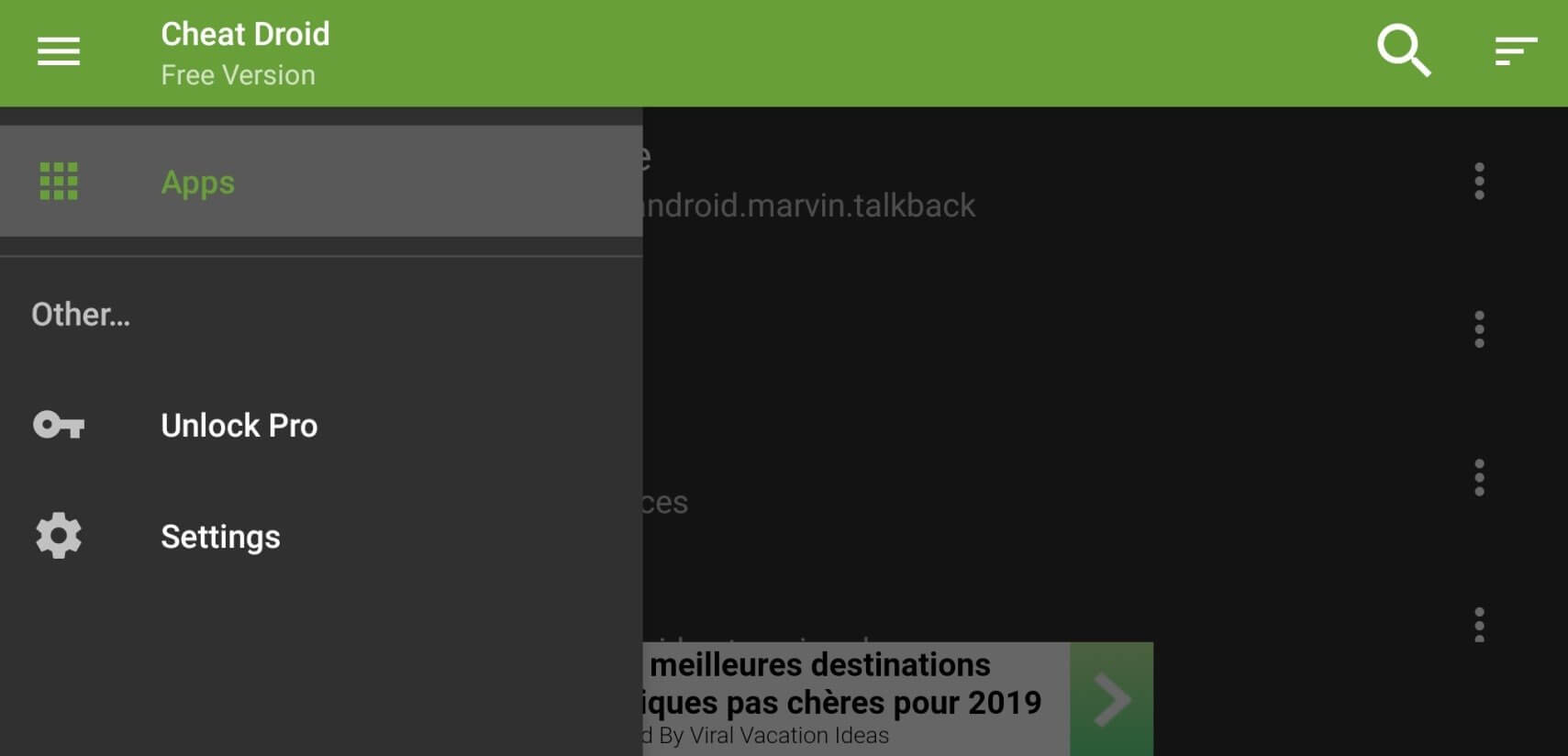
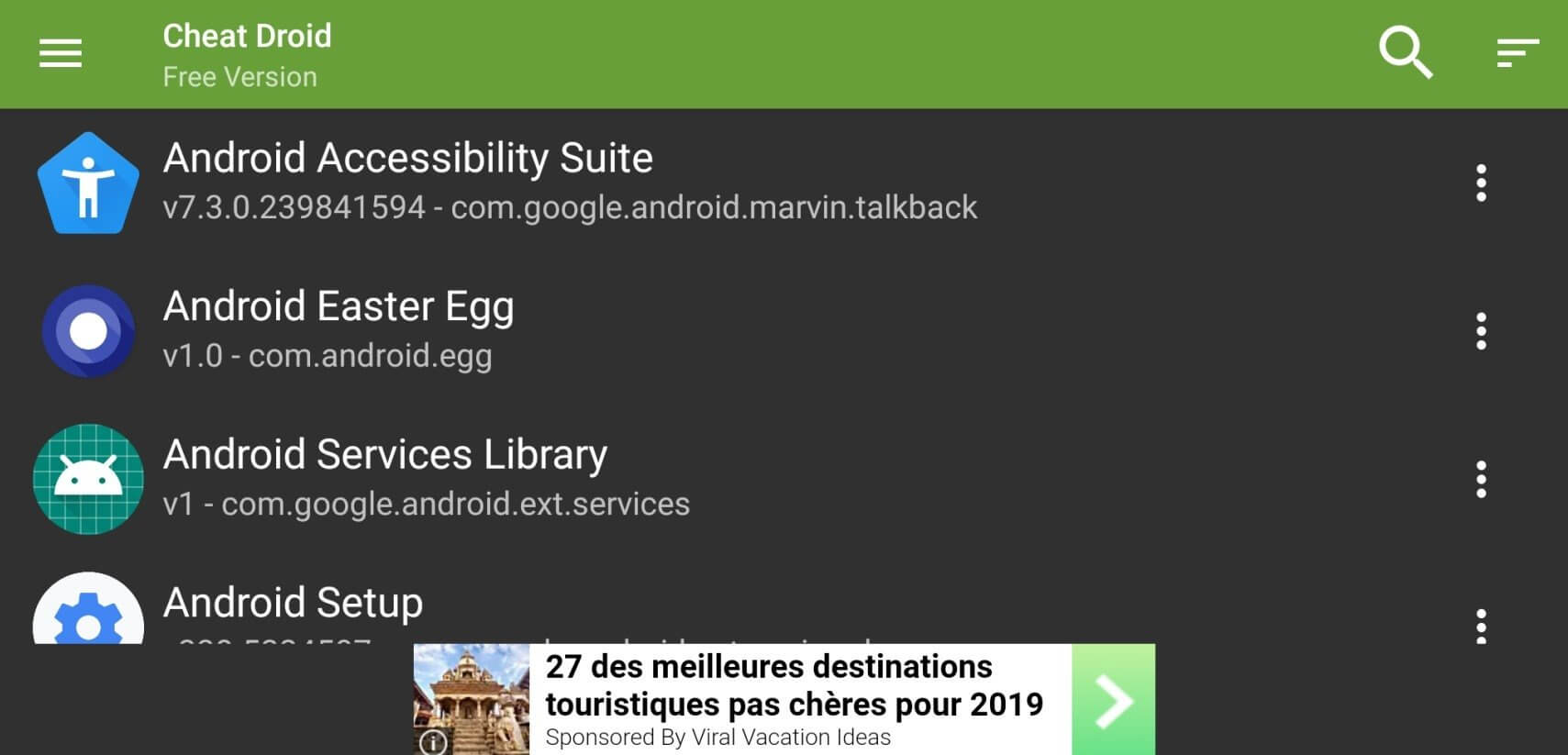
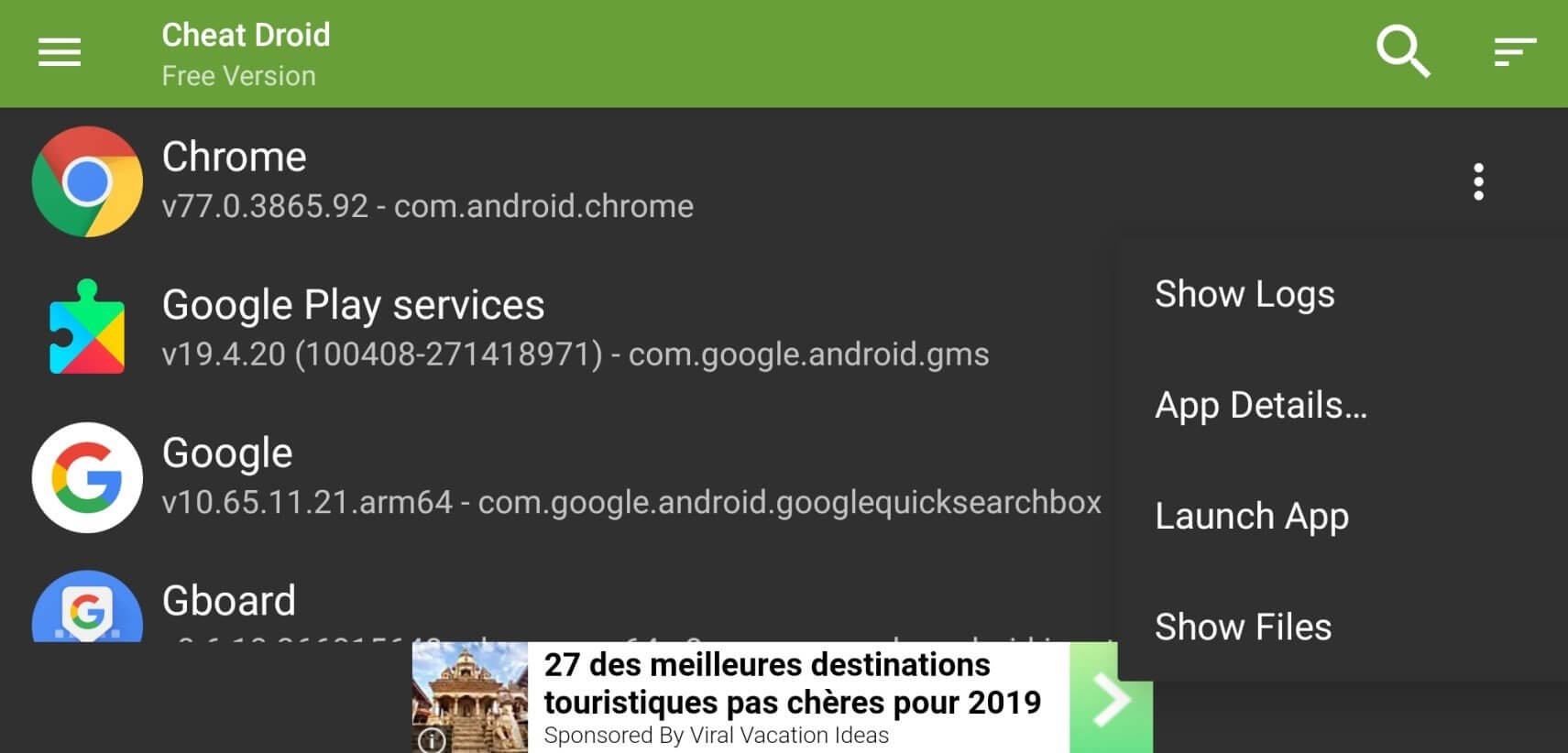
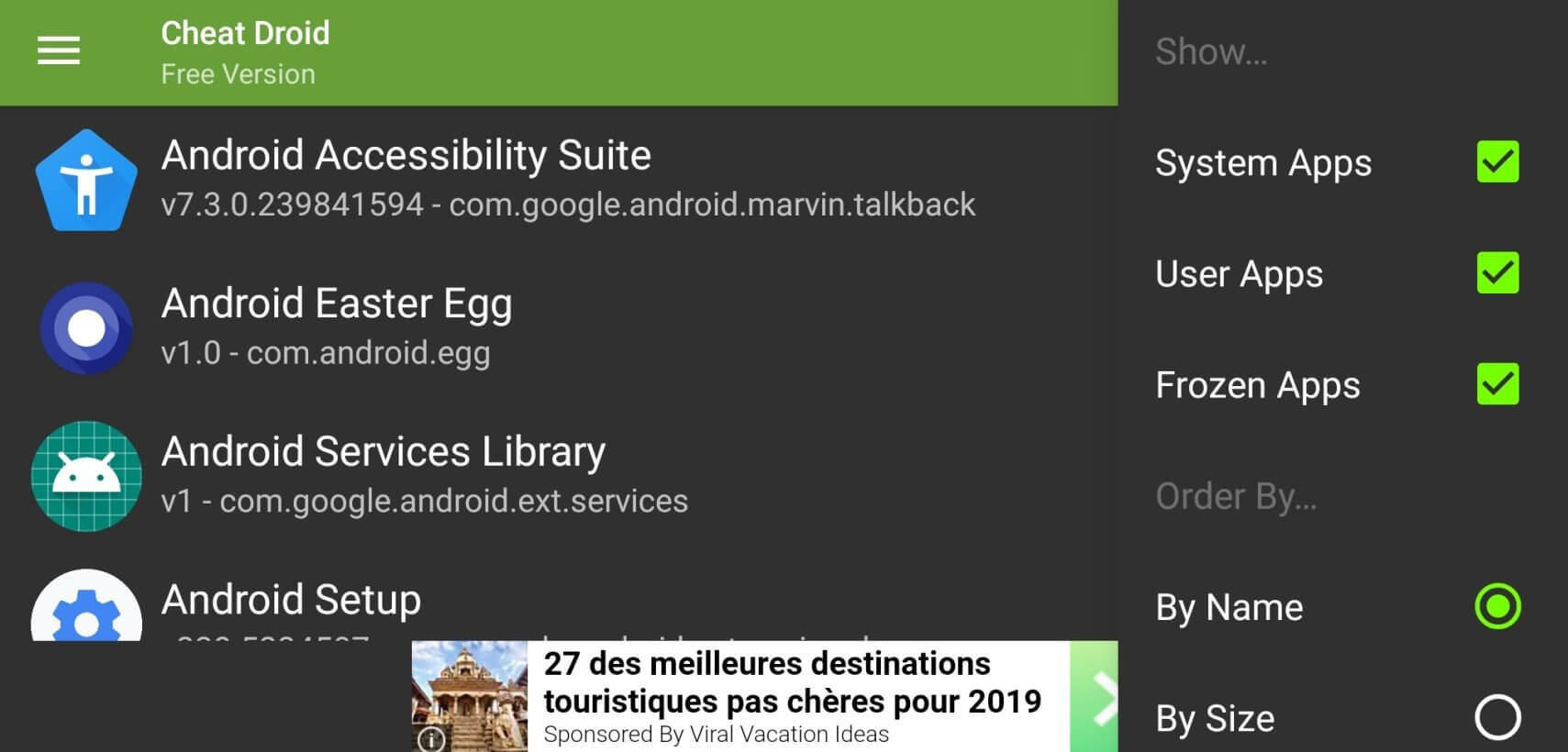
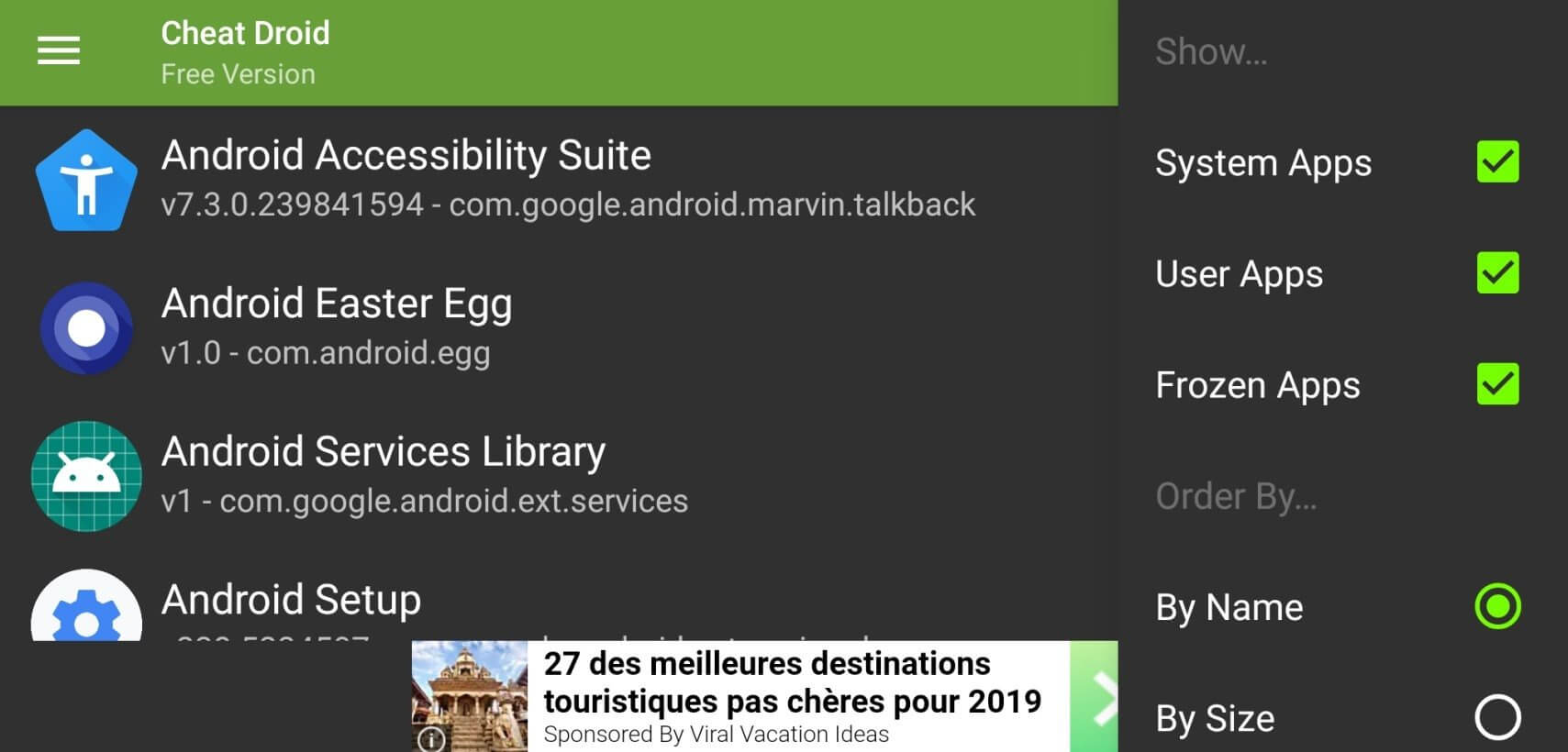
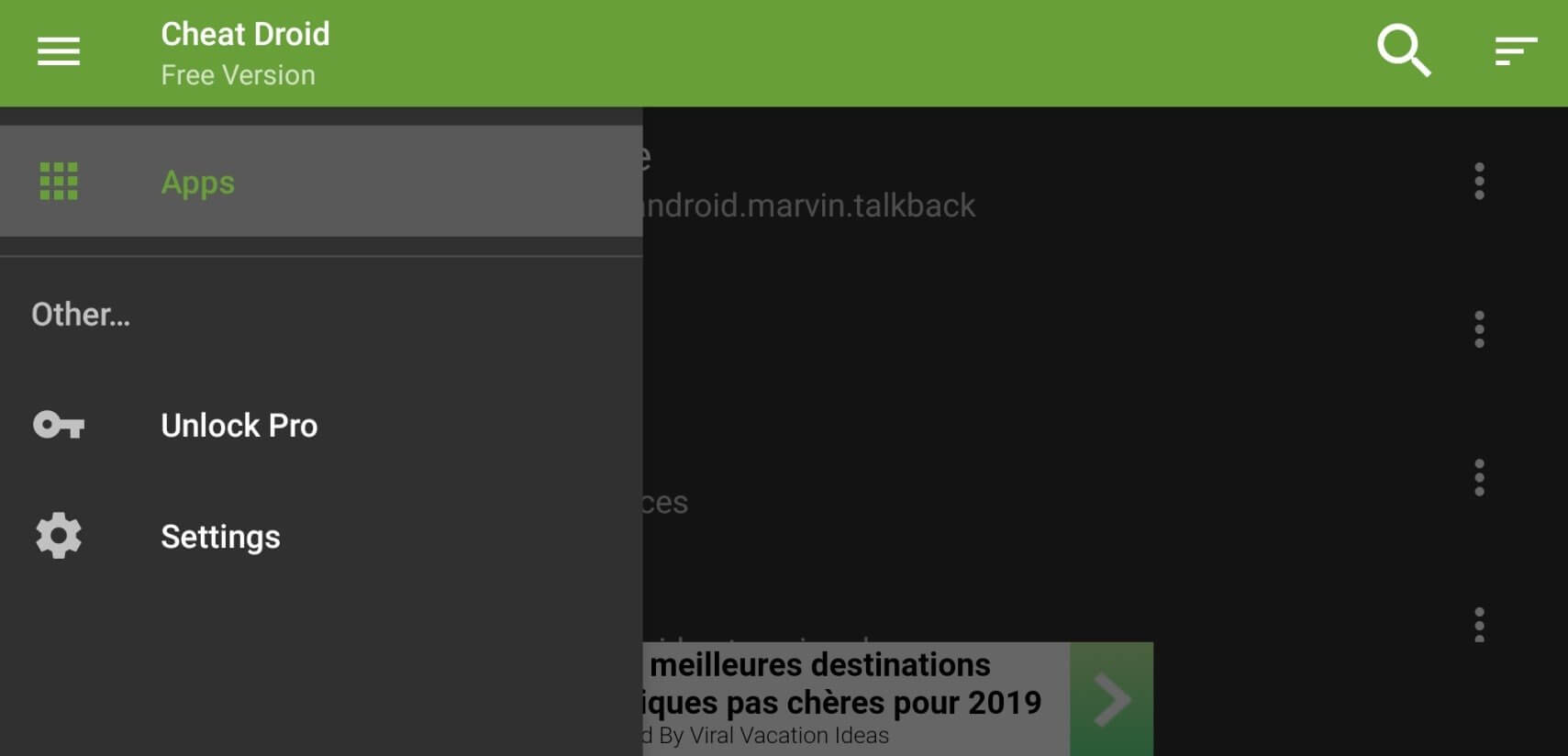

Cheat Droid Pro is a lightweight Android utility that lets you view and modify the stored preferences of other apps. It is aimed at developers, power users, and anyone who needs to tweak configuration values without rebuilding the original application.
This page provides the essential details, installation steps, and safety considerations for the current 2.5.5 release.
Quick Information
| App/Game Name | Cheat Droid Pro |
| Latest Version | 2.5.5 |
| Developer | Not listed |
| Category | Apps / Tools |
| App Size | 2.31 MB |
| Package Name | com.felixheller.sharedprefseditor.pro |
| Last Updated | 14 January 2026 |
What Is Cheat Droid Pro?
Cheat Droid Pro functions as a shared‑preferences editor. By accessing the XML files that Android apps use to store settings, it allows you to read, change, back up, and restore those values. Typical use cases include unlocking hidden features, fixing misbehaving settings, or testing different configurations during development.
Compatibility
| Android Version | Not Verified |
| Architecture (ARM64 / 32-bit) | ✓ Verified — Supports common device architectures |
| Internet Connection | ✓ Verified — May be required for ads, updates, or login |
| Storage Needed | Not Verified |
| OBB/Data Files | Not Verified |
| Root Required | Not Verified |
How to Install
- Enable Install unknown apps for the browser or file manager you’ll use (Settings → Apps → Special access → Install unknown apps).
- Download the
CheatDroidPro.apkfile from this page. - Tap the downloaded file to launch the installer and follow the on‑screen prompts.
- Once installed, open the app and grant the requested permissions (it needs access to other apps’ storage to read their preference files).
- Choose an installed app from the list, select the preference you want to edit, modify the value, and save.
Troubleshooting
- App not installed: Ensure the APK matches your device’s architecture (most modern devices are 64‑bit) and that you have allowed installations from unknown sources.
- Crashes on startup: Clear the app’s cache (Settings → Apps → Cheat Droid Pro → Storage → Clear cache) and restart.
- Preferences won’t change: Some apps store data in encrypted or protected locations; editing those entries may require root access.
- Permission denied errors: Verify that you granted the “All files access” permission in Android 11+ settings.
Safety & Security
Cheat Droid Pro is a modified‑free build, but it still requires elevated permissions to read other apps’ data. Only install it from a trusted source and review the permission list during installation. Avoid entering personal credentials into any app you edit, and back up original preference files before making changes. Future updates of the target apps may render edited values incompatible, so keep a copy of the original settings.
How Cheat Droid Pro Compares
| Feature | Cheat Droid Pro | Lucky Patcher | Titanium Backup |
|---|---|---|---|
| Price / Model | Free (Pro label, no ads) | Free with optional paid add‑ons | Free (requires root) |
| Platform | Android only | Android only | Android only |
| Standout Feature | Focused shared‑preferences editing | Broad app patching and license removal | Full backup/restore of apps & data |
| Best For | Quick tweaks of app settings | Removing ads & unlocking premium features | Comprehensive backup & migration |
Alternatives
- Lucky Patcher – Allows patching of APKs to remove ads, bypass license checks, and modify resources.
- Titanium Backup – Root‑required tool for backing up apps, data, and system settings.
- Xposed Framework – Modular platform that lets you install small tweaks (modules) to change app behavior without altering the APK.
Final Verdict
Cheat Droid Pro offers a focused, easy‑to‑use interface for editing Android shared preferences. It’s well‑suited for developers and power users who need to adjust app settings without rebuilding the app. The app is lightweight and free, but it does require careful handling of permissions and backups. If you need broader patching capabilities or full system backups, consider the alternatives listed above.
Frequently Asked Questions
The app itself is safe, but it requests high‑level permissions to read other apps’ data, so install it only from a trusted source and back up original settings before editing.
Basic editing works without root on most devices, but some apps store preferences in protected locations that may require root privileges.
Cheat Droid Pro runs on Android 5.0 (Lollipop) and newer; the latest update (14 Jan 2026) confirms compatibility up to Android 13.
You can edit most apps that store settings in standard shared‑preferences files, but apps using encrypted or custom storage may not be editable.
The current version is ad‑free and does not offer in‑app purchases.
Download the latest APK from this page and reinstall it; the installer will replace the older version while keeping your data.
Cheat Droid Pro is offered as a free download; there is no separate paid tier.
Changing values to unsupported or invalid data can lead to crashes; always back up the original file and modify settings cautiously.